
Image-Line FL Studio: Free Trial, Plugins, and Alternatives
Categories : Computer Music
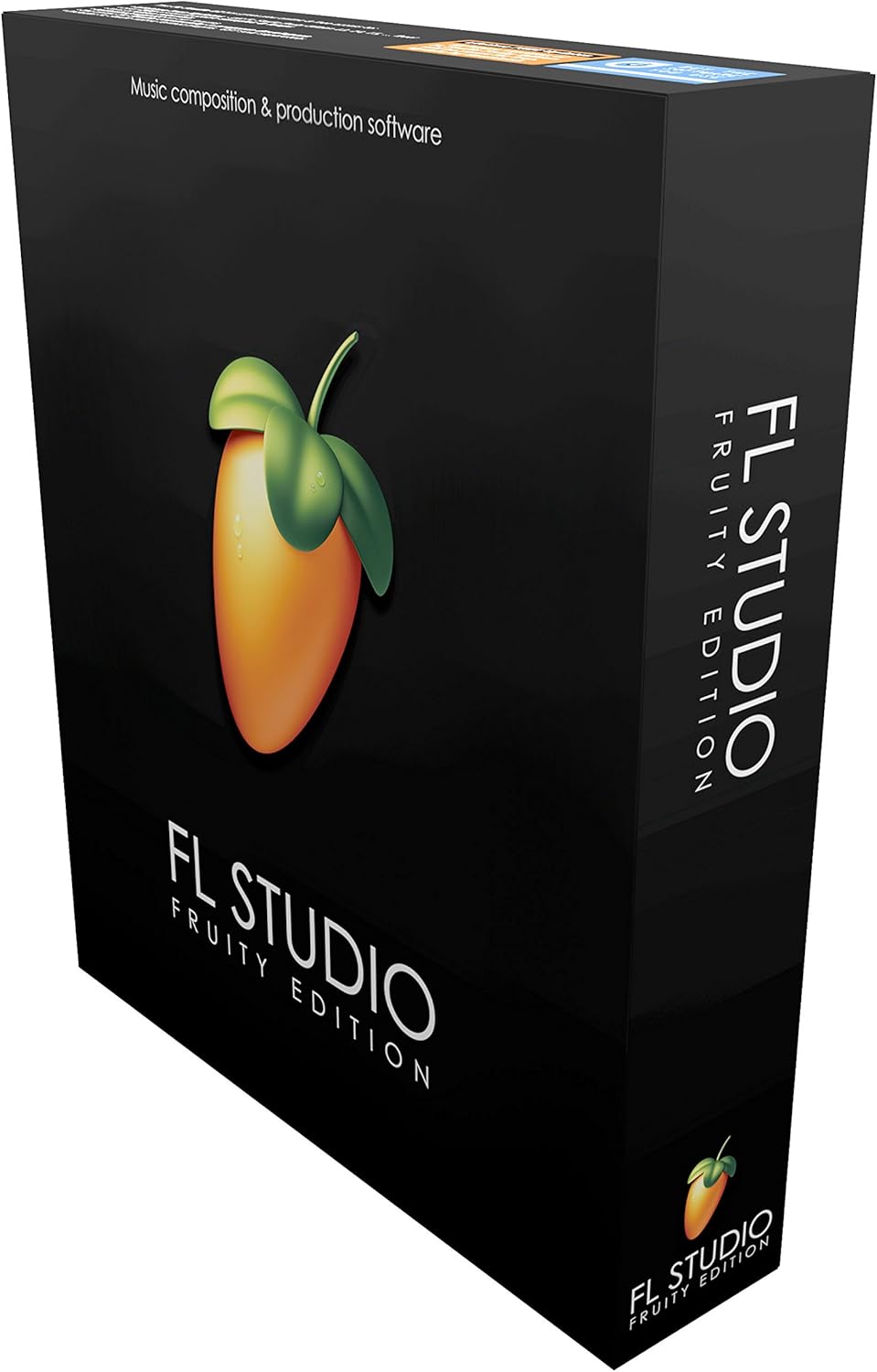
FL Studio, developed by Image-Line, is one of the world’s most popular digital audio workstations (DAWs). Known for its intuitive interface, powerful step sequencer, and vast library of instruments and effects, FL Studio has become a go-to choice for beginners and professional producers alike. This article explores its features, the free trial, included plugins, and some of the best alternatives on the market.
What is FL Studio?
Originally launched in 1997 as “FruityLoops,” FL Studio has evolved into a fully-fledged DAW capable of handling everything from beat-making to full studio production. Today, it is used across multiple genres, particularly hip-hop, electronic dance music (EDM), trap, and pop. Producers value its pattern-based workflow, which makes arranging and experimenting with musical ideas incredibly fast and creative.
Key highlights of FL Studio include:
- Lifetime Free Updates – once you buy it, you never have to pay for upgrades again.
- Cross-platform compatibility – available for both Windows and macOS.
- Intuitive Piano Roll – considered one of the best in the industry.
- Rich Plugin Ecosystem – bundled with dozens of high-quality instruments and effects.
- Strong MIDI Support – integrates smoothly with controllers and external gear.
FL Studio Editions
Image-Line offers four editions of FL Studio, each catering to different needs and budgets:
- Fruity Edition – ideal for beginners focused on beat-making and MIDI composition. Audio recording is limited.
- Producer Edition – includes full recording and post-production features. Suitable for most musicians and producers.
- Signature Bundle – adds premium plugins like Harmless, Sytrus, and Newtone for advanced sound design.
- All Plugins Edition – the complete collection of Image-Line’s instruments and effects. Designed for professionals who want everything in one package.
FL Studio Free Trial
For newcomers, FL Studio offers a generous free trial. Unlike many DAWs that limit features, the trial includes nearly the entire program with only one restriction: projects cannot be reopened once saved. This limitation means you can explore every plugin, instrument, and workflow feature without holding back, but you’ll need a license to continue working on your projects later.
Highlights of the FL Studio free trial include:
- Access to all instruments and effects without time limits.
- Ability to export completed tracks to WAV or MP3.
- Perfect for testing compatibility with your hardware setup.
- Lets you experiment before deciding which edition to purchase.
The trial is available directly from the official Image-Line website and works on both Windows and macOS.
FL Studio Plugins
One of FL Studio’s biggest strengths is its extensive range of built-in plugins. Image-Line has crafted a suite of synthesizers, samplers, and effects that rival third-party offerings. Here are some of the most notable:
1. Sytrus
A versatile FM and subtractive synthesizer capable of producing lush pads, plucky leads, and complex evolving textures. It’s a favorite for electronic producers.
2. Harmor
An additive/subtractive synth with advanced resynthesis features. Harmor lets you manipulate samples in unique ways, making it a sound designer’s dream.
3. FLEX
A relatively new addition, FLEX is a preset-driven synth with a lightweight interface. It delivers a wide range of modern sounds without taxing your CPU heavily.
4. DirectWave
FL Studio’s flagship sampler, perfect for loading and editing sample libraries. It supports multiple formats and provides extensive mapping options.
5. Drumaxx and FPC
These plugins are designed for drum programming. FPC emulates a classic MPC-style workflow, while Drumaxx generates realistic drum synthesis.
6. Effects Plugins
From Maximus (a powerful mastering compressor) to Gross Beat (for time and pitch manipulation), FL Studio’s effects library covers everything you need to mix, master, and experiment.
These plugins are more than enough to start producing professional tracks without requiring expensive third-party tools.
Alternatives to FL Studio
While FL Studio is a powerful DAW, it’s not the only option. Depending on your workflow and musical goals, you might prefer one of the following alternatives:
Ableton Live
Popular in the electronic and live performance scene, Ableton Live is known for its Session View, which makes improvisation and performance intuitive. It also comes with a huge library of instruments and effects.
Logic Pro (macOS only)
Apple’s Logic Pro is one of the most comprehensive DAWs available. It includes a vast library of professional instruments, loops, and plugins at a competitive price point. However, it is only available on Mac.
Pro Tools
Favored by recording studios worldwide, Avid’s Pro Tools is a standard for mixing and mastering in professional environments. Its strength lies in handling large sessions with high track counts.
Cubase
Developed by Steinberg, Cubase is an all-rounder DAW that offers powerful MIDI tools and scoring options. It’s particularly popular among film composers and orchestral producers.
Reaper
A budget-friendly yet highly customizable DAW. Reaper offers a fully functional evaluation period and a low-cost license, making it attractive for independent musicians.
Studio One
PreSonus Studio One has rapidly grown in popularity thanks to its drag-and-drop workflow, integrated mastering suite, and tight integration with PreSonus hardware.
Why Choose FL Studio?
Despite the alternatives, FL Studio remains a top choice for many reasons:
- User-friendly – the interface is colorful, intuitive, and inspiring to use.
- Community and Tutorials – thousands of YouTube tutorials and online courses make learning easier.
- Value for Money – lifetime free updates mean your investment keeps paying off.
- Creative Tools – plugins like Gross Beat, Fruity Slicer, and FLEX make it easy to generate unique sounds quickly.
Final Thoughts
Image-Line’s FL Studio has established itself as one of the most versatile and accessible DAWs on the market. Whether you’re experimenting with the free trial, diving deep into its impressive plugins, or comparing it with other DAWs, FL Studio consistently delivers professional results. Its lifetime updates and vast creative toolkit make it an excellent long-term investment for any music producer.
If you’re serious about music production, FL Studio deserves a spot at the top of your list. Download the free trial, experiment with the plugins, and see how it compares to other DAWs. Chances are, you’ll find yourself hooked on its workflow and creative possibilities.
Reviews and Articles
Discover the On-Stage LPT600 Multi-Purpose Laptop Stand, designed for musicians and producers. Read our in-depth review covering build, features, and performance.
Explore our in-depth review of PCDJ Karaoki Karaoke Software for Windows. Discover its build, features, audio performance, and find out if it's the right choice for your karaoke needs.
Explore our in-depth review of the Line 6 Variax Workbench Software, covering its build, features, performance, pros and cons, and ideal user base.
Discover the Ion Audio iLP Turntable Conversion System for iOS. A balanced review focusing on build, features, workflow, and audio performance for casual vinyl enthusiasts.
Explore the Vestax VCI100MKII USB MIDI DJ Controller. Discover its build quality, features, sound performance, and who it's best suited for in our detailed review.
Related Products :


